 Electro
PHP2Shell Explained: The Critical PHP Bug and How to Check If You Are Safe
PHP2Shell (CVE-2026-109618/109619) lets attackers take over PHP servers. Plain-English explainer, a safe check for your own site, and how to patch.
On this page
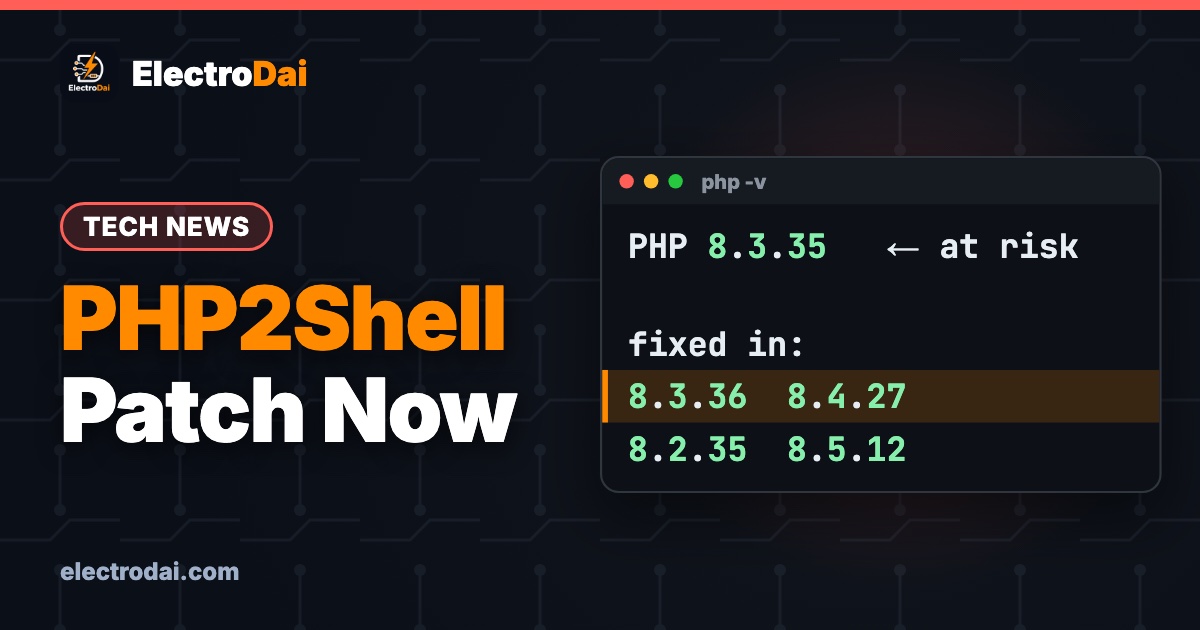
On 21 October 2026 the PHP team shipped an emergency fix for a flaw the security world is calling PHP2Shell. It is as serious as a web bug gets: an attacker who can reach your website may be able to run their own commands on your server, with no password and no login. PHP runs most of the web, from WordPress blogs to college result portals, so this one touches almost everyone.
This is ElectroDai's plain-English guide for students and small site owners in Nepal. No scary jargon, and no attack code — just what the bug is, a safe way to check whether your own site is exposed, and the one thing you must do about it. If you host a project, a portfolio, a shop or a college site on PHP, read to the end.
What is PHP2Shell, in simple words?
PHP has a built-in tool that unpacks data sent to it (for example, uploaded files or encoded text). Because of a counting mistake deep inside that tool, a carefully crafted piece of input can make PHP write into memory it was never meant to touch. When attackers control that overwritten memory, they can trick the server into running their code instead of yours. Security people call that result a "shell" — a foothold to run commands — which is where the nickname PHP2Shell comes from.
Two official bug IDs cover it: CVE-2026-109618 and CVE-2026-109619. Both are rated 9.2 out of 10 on the modern severity scale, and the worst case is unauthenticated remote code execution — the attacker needs nothing from you except that your site is online. Worse, these bugs are already being used in real attacks, so this is not a "maybe later" problem.
Which PHP versions are affected?
Almost every version in use before the October patch. The fix landed in these releases:
Scroll sideways to see all columns.
| PHP branch | First safe version |
|---|---|
| PHP 8.5 | 8.5.12 |
| PHP 8.4 | 8.4.27 |
| PHP 8.3 | 8.3.36 |
| PHP 8.2 | 8.2.35 |
Older branches (7.4, 8.0, 8.1) are also affected. They no longer get official numbered releases, so the only safe move there is a patched build from your Linux distribution or hosting provider — or, better, upgrading to a supported branch.
Am I affected? A safe self-check
This check is completely safe. You are only reading your own version number — you are not attacking anything. Pick whichever matches where your site lives.
On your own server or VPS (SSH):
php -v
The first line shows your version, like PHP 8.3.35. Compare it to the table above. In the example, 8.3.35 is older than 8.3.36, so it is vulnerable and needs updating.
On shared hosting (cPanel / CyberPanel): open the panel and look for "Select PHP Version" or "PHP Version Manager". It shows the version your site runs. Match it against the table.
If you only have a website, no server access: make a tiny file named phpcheck.php with this one line, open it in your browser, then delete it straight after:
<?php echo PHP_VERSION;
Whatever method you use, the rule is the same: if your number is below the safe version for your branch, you are exposed.
How to fix it
Shared / cPanel / CyberPanel hosting: use the panel's PHP selector to switch to the latest minor version (for example 8.3.36 or newer), or open a support ticket asking them to apply the PHP2Shell patch. Most good hosts had it done within days of 21 October.
Your own VPS (Ubuntu / Debian):
sudo apt update
sudo apt upgrade
Then restart your web stack (sudo systemctl restart php8.3-fpm nginx, adjusting the names to your versions) and run php -v again to confirm the new number.
Docker: rebuild or re-pull your PHP image so it uses a patched base, then recreate the container.
After patching, load your site and check it still works. The patch only closes the hole; it does not change how your code behaves.
What this means for you as a student
If you run a final-year project, a club website, or a small freelance site on cheap PHP hosting, you are a target — attackers scan the whole internet automatically and do not care that you are "just a student project". Three habits that protect you for years:
- Keep PHP on a supported version (8.2 or newer) and let auto-updates run. A site stuck on PHP 7.x is a sitting duck.
- Never leave test files like
phpcheck.php,info.phporphpinfo()pages online. They leak your version to attackers. - Back up before you patch. A 2-minute database export means a bad update is an inconvenience, not a disaster.
FAQ
Does PHP2Shell affect my Arduino or ESP32 projects?
No. PHP2Shell is a server-side web bug. Your microcontroller sketches are unaffected. But if your IoT project has a PHP dashboard or API on a server, that server needs patching.
My host says they already patched it. Do I still need to do anything?
Just verify. Run the self-check above and confirm your version is at or above the safe number. If it is, you are done.
Is it safe to show my PHP version publicly?
It is best not to. Hide it by setting expose_php = Off in php.ini and removing any phpinfo() pages. Less information for an attacker is always better.
Sources
This explainer is based on the official PHP release notes and reporting from AlmaLinux, Help Net Security and SocRadar (21 October 2026). Always treat your own hosting provider's advisory as the final word for your setup.

Java4Shell Explained: The OpenJDK Bug That Only Hits Certain CPUs
Java4Shell (CVE-2026-114938) is an OpenJDK flaw that can take over Java servers — but only on AVX-512 CPUs. Plain explainer, a safe check, and how to…

NGINX2Root Explained: 5 Critical NGINX Flaws and How to Check Your Server
NGINX2Root (CVE-2026-123007 + 4 more) can crash or take over NGINX web servers. Simple explainer, a safe version check, and how to patch to 1.31.9 / …