 Electro
Arduino-ESP32 4.0 Is Out: What Changed, What Breaks, Should You Update?
Espressif released Arduino-ESP32 core 4.0.0 on Nov 19, 2026 with ESP32-S31 support. What changed, the LEDC and WebServer gotchas, and how to roll back.
On this page
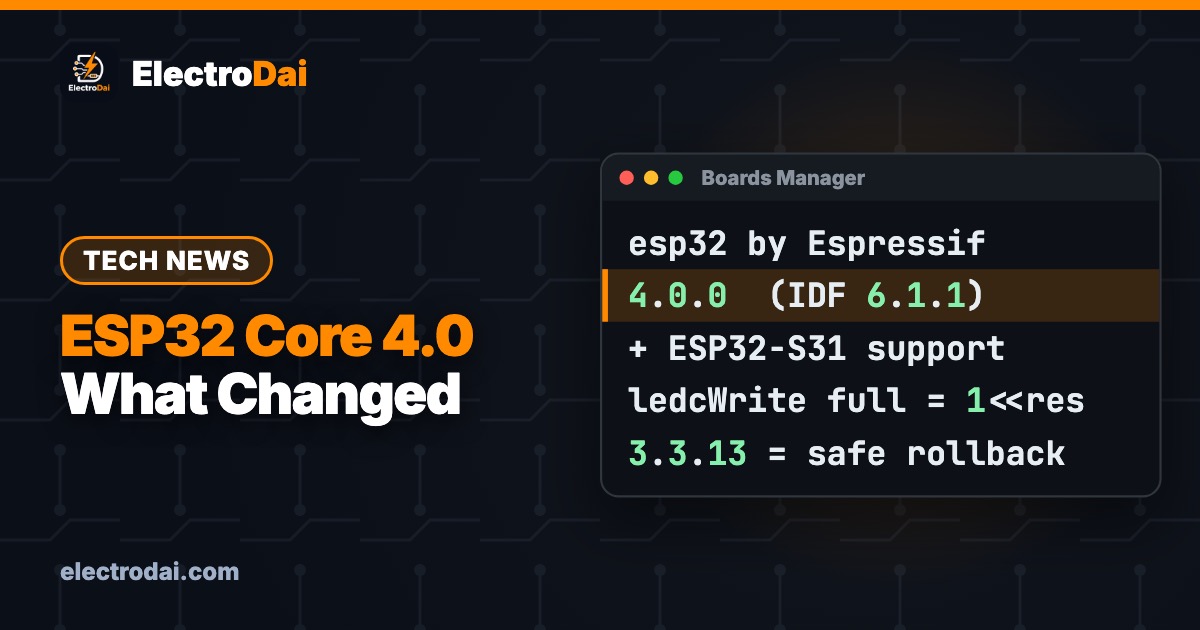
On 19 November 2026, Espressif released Arduino-ESP32 core 4.0.0. This is the package you install in the Arduino IDE so it can program ESP32 boards. It is the first big jump since the 3.x line, and it moves the core onto a brand-new foundation: ESP-IDF v6.1.1. It also adds official support for the new ESP32-S31 chip.
If you use an ESP32 for your college project, a Blynk dashboard or a home automation build, the Arduino IDE will soon show an "update available" badge. This ElectroDai guide explains, in plain English, what is new, the two changes most likely to break your existing sketches, and how to go back to 3.x if something stops working the night before your project demo.
The short answer
- Starting a new project on a common board (ESP32, S3, C3, C6)? Version 4.0 is fine. Read the LEDC note below first.
- Final-year project due in the next few weeks? Do not update yet. Stay on 3.3.13 (released 17 Nov 2026), which still gets fixes and uses the older, well-tested IDF 5.5.
- Bought an ESP32-S31 board? You need 4.0. Older cores don't know the chip.
What is new in 4.0.0
Scroll sideways to see all columns.
| Area | What changed |
|---|---|
| Foundation | Built on ESP-IDF v6.1.1 (3.x uses IDF 5.5) |
| New chip | ESP32-S31 officially supported |
| Supported chips | ESP32, S2, S3, S31, C3, C5, C6, H2, P4 |
| New boards | SparkFun RedBoard IoT ESP32-P4, ELEGOO ESP32-C6, a LilyGo T-Deck variant and more |
| New APIs | HMAC builder, base64 decode, OTA onPrepare() callback, std::string in Preferences, lambdas for timer callbacks, IPv6 DNS |
| Fixes | I2C slave on newer chips, WiFi.SSID() now returns the saved SSID even when disconnected, WiFiMulti accepts full 32-character SSIDs |
ESP32-C2 and C61 are not in the official table. They need extra steps (using Arduino as an ESP-IDF component).
What is the ESP32-S31?
The S31 is Espressif's newest "big" chip. According to early coverage (CircuitDigest, not yet checked against the full datasheet), it has two RISC-V cores at up to 320 MHz, Wi-Fi 6 (2.4 GHz), Bluetooth 5.4 plus Classic Bluetooth, Thread/Zigbee, a Gigabit Ethernet MAC and high-speed USB. The popular S3 uses Xtensa cores, Wi-Fi 4 and BLE only.
For students in Nepal: the S3 and the classic ESP32 are still the boards you will actually find in local shops, and they have years of tutorials and libraries behind them. Treat the S31 as something to watch, not something to buy for a project due this semester. Many third-party libraries have not yet been tested on its RISC-V cores.
Gotcha 1: LED brightness (LEDC) "full on" value
This one can catch beginners. In 4.0, the valid duty range for ledcWrite() and ledcFade() is 0 to 2^resolution, inclusive. So at 8-bit resolution, full on is 256, not 255.
If your sketch does ledcWrite(pin, 255) at 8 bits, the LED is now at 255/256 brightness. You won't see the difference by eye, but code that expects a pin to be "fully on" (driving a MOSFET or relay through PWM) is no longer 100% on. Values above the maximum are clamped.
analogWrite() is not affected. It still uses 0 to 255 at 8 bits, and 255 means full on. If you only use analogWrite(), you can relax.
The fix: search your sketch for ledcWrite or ledcFade calls that use 255, 1023, 4095 or (1 << res) - 1 as "full", and replace them with 1 << resolution.
// LEDC fade that is correct on Arduino-ESP32 4.0
// LED + 220 ohm resistor on GPIO 2 (onboard LED on many dev boards)
const int LED_PIN = 2;
const int FREQ    = 5000;  // 5 kHz PWM
const int RES     = 8;     // 8-bit resolution
const int FULL_ON = 1 << RES; // 256 = 100% on in core 4.0

void setup() {
  Serial.begin(115200);
  ledcAttach(LED_PIN, FREQ, RES);   // 3.x/4.x API (no channels needed)

  // Print which core you are running
  Serial.printf("Arduino-ESP32 core %d.%d.%d, IDF %s\n",
                ESP_ARDUINO_VERSION_MAJOR, ESP_ARDUINO_VERSION_MINOR,
                ESP_ARDUINO_VERSION_PATCH, ESP.getSdkVersion());
}

void loop() {
  for (int d = 0; d <= FULL_ON; d += 4) {  // fade up to truly full
    ledcWrite(LED_PIN, d);
    delay(10);
  }
  for (int d = FULL_ON; d >= 0; d -= 4) {  // fade back down
    ledcWrite(LED_PIN, d);
    delay(10);
  }
}
Gotcha 2: WebServer is stricter (good for security)
If you built an ESP32 web server (for example our LED control over Wi-Fi tutorial), 4.0 hardens the built-in WebServer library:
- Very long URLs (over 2048 bytes) get an error 414, and very long headers get 431.
- Slow clients time out with error 408.
serveStatic()refuses..paths, so nobody can climb out of your folder.arg()andhasArg()no longer leak values from a previous request.authenticate()only accepts proper Basic or Digest login headers.- Server-Sent Events moved to the server: use
server.enableSSE()instead ofserver.client().setSSE(true). The old call still works but will be removed in 5.0.
For a normal "turn LED on/off" page, none of this changes anything. You just get a safer server for free. If you send big form posts or huge query strings, the limits can be raised with -D build flags. The docs warn that raising them brings back memory-exhaustion risk.
How to update (or stay put)
- In Arduino IDE 2, open File → Preferences and check that "Additional boards manager URLs" contains:
https://espressif.github.io/arduino-esp32/package_esp32_index.json - Open Tools → Board → Boards Manager and search esp32 (by Espressif Systems).
- Pick the version from the dropdown: 4.0.0 to update, or 3.3.13 to stay on the stable 3.x line. Click Install.
- Restart the IDE, select your board again and upload a blink or the fade sketch above to confirm.
Roll back the same way: pick 3.3.13 in the dropdown and install. Your sketches are untouched. Only the core changes.
Tip for slow Nepali internet: the full core download is large (the main archives are around 50–60 MB, plus tools). Update on a good Wi-Fi connection, not mobile data, and not the night before a deadline.
Troubleshooting
Scroll sideways to see all columns.
| Symptom | Fix |
|---|---|
| Sketch compiled on 3.x, fails on 4.0 with a library error | The library isn't 4.0-ready yet. Roll back to 3.3.13 and check the library's GitHub issues |
| LED or MOSFET not "fully" on | Use 1 << resolution as full duty in ledcWrite() |
| Web page returns 414 or 431 | Your URL or headers are too long. Use POST or raise the limit with a build flag |
| Board missing from the list after update | Restart the IDE. Check that you picked the right chip family (S3 vs C3 etc.) |
| Upload fails on a CH340 clone | Not a 4.0 issue: reinstall the CH340 driver and hold BOOT while uploading |
FAQ
Will my old ESP32 DevKit still work with 4.0? Yes. The classic ESP32 is fully supported in both stable and development builds.
Is 3.x dead? No. 3.3.13 came out two days before 4.0, and it is the safe choice for running projects.
Should I buy an ESP32-S31 now? Only if you need Ethernet, Classic Bluetooth audio or Thread/Zigbee. For learning and most student projects, an ESP32 or ESP32-S3 is cheaper, easier to find in Nepal and has far more tutorials.
Watch the video
There's no video for this news post. For hands-on ESP32 builds, start with our ESP32 pinout guide and subscribe to YouTube @electrodai for weekly projects.
Sources: Espressif arduino-esp32 4.0.0 release notes and migration guides (docs.espressif.com), Arduino Forum release thread, CircuitDigest ESP32-S31 vs S3 article (20 Nov 2026).

Java4Shell Explained: The OpenJDK Bug That Only Hits Certain CPUs
Java4Shell (CVE-2026-114938) is an OpenJDK flaw that can take over Java servers — but only on AVX-512 CPUs. Plain explainer, a safe check, and how to…

NGINX2Root Explained: 5 Critical NGINX Flaws and How to Check Your Server
NGINX2Root (CVE-2026-123007 + 4 more) can crash or take over NGINX web servers. Simple explainer, a safe version check, and how to patch to 1.31.9 / …

PHP2Shell Explained: The Critical PHP Bug and How to Check If You Are Safe
PHP2Shell (CVE-2026-109618/109619) lets attackers take over PHP servers. Plain-English explainer, a safe check for your own site, and how to patch.